
I can’t have a helpful hints blog, without offering a cheat sheet for keyboard shortcuts, now can I?
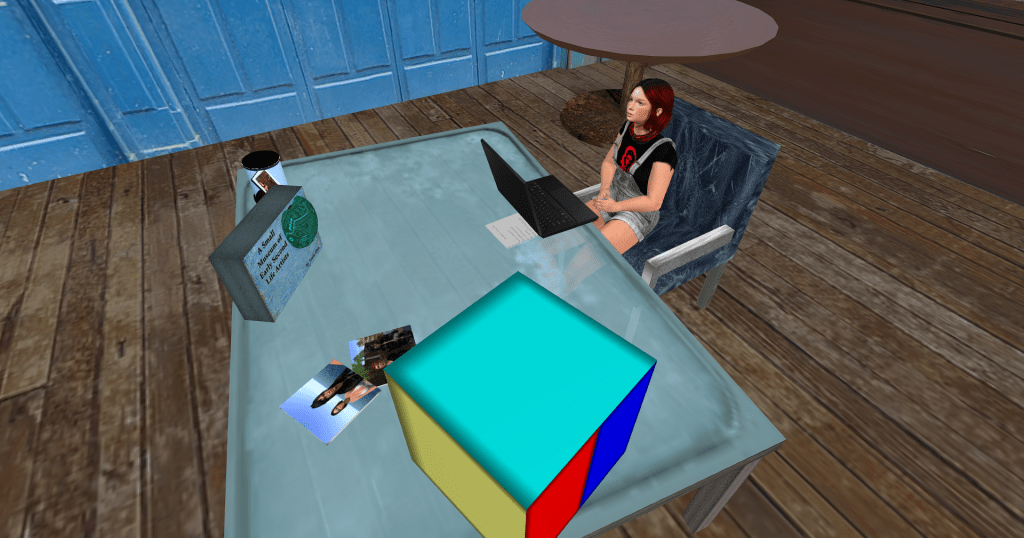
17 years inworld, you’d think I know all the shortcuts, but I don’t, I learn new ones all the time. The other day, I found Ctrl+Alt+C brings up some nifty camera prefs that I’d never really explored before. I know they are buried in the top menu, but using the shortcut helped me smooth out my camera settings, and made me say out loud… “Hey, my next blog post!”
These will work with Firestorm viewer and the official SL viewer. There are many more, this is a short list for everyday use, nothing specialized. A photographer, or a builder, would have their own set of shortcuts, as you can imagine. Camera Controls and Second Inventory are Firestorm only and marked.
UI & DISPLAY
Hide UI — Ctrl+Alt+F1
Show/Hide Transparent Objects — Ctrl+Alt+T
CAMERA & ZOOM
Zoom In — Ctrl+0
Zoom Out — Ctrl+8
Zoom Default — Ctrl+9
Camera Controls — Ctrl+Shift+C (FS only)
Reset Camera — Esc
Mouselook — M
Orbit Camera Clockwise — Alt+A
Orbit Camera Counter-Clockwise — Alt+D
NAVIGATION & MOVEMENT
Move Forward/Back — W / S (or arrow keys)
Fly Toggle — F (or Home key)
Always Run — Ctrl+R
Jump / Fly Up — E or PgUp
Crouch / Fly Down — C or PgDn
Teleport Home — Ctrl+Shift+H
Sit Down — Alt+Shift+S
World Map — Ctrl+M
Mini-Map — Ctrl+Shift+M
BUILDING & EDITING
Open Build Tool — Ctrl+B
Upload Image — Ctrl+U
Focus on Selection — H
Zoom to Selection — Shift+H
Link Objects — Ctrl+L
Unlink Objects — Ctrl+Shift+L
Duplicate Object — Ctrl+D
Undo — Ctrl+Z
COMMUNICATION & SOCIAL
Conversations / IMs — Ctrl+T
Nearby Chat — Ctrl+H
Friends List — Ctrl+Shift+F
Groups — Ctrl+Shift+G
Gestures — Ctrl+G
Nearby People — Ctrl+Shift+A
Shout (in chat bar) — Ctrl+Enter
Whisper (in chat bar) — Shift+Enter
INVENTORY & PANELS
Inventory — Ctrl+I
Second Inventory (FS only) — Ctrl+Shift+I
Preferences — Ctrl+P


 Train's Tech Tips